Put your phone’s screen on a TV
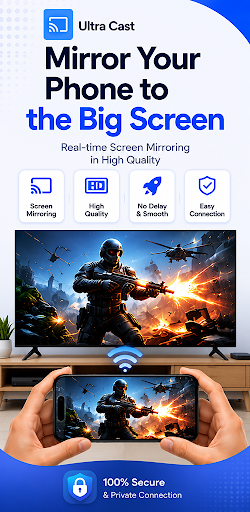
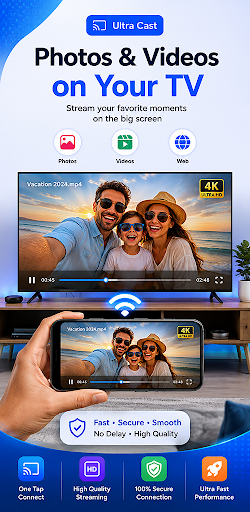
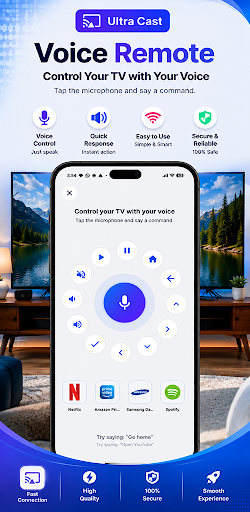
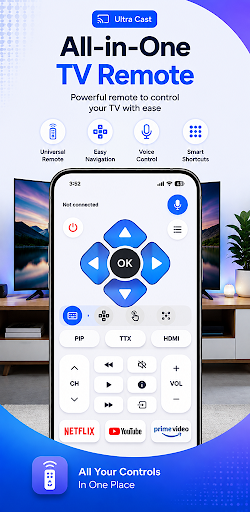
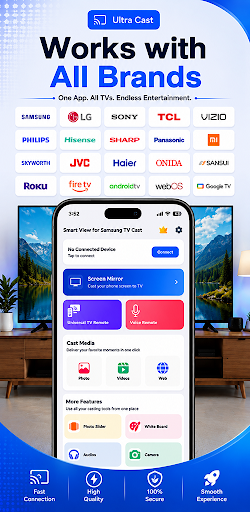
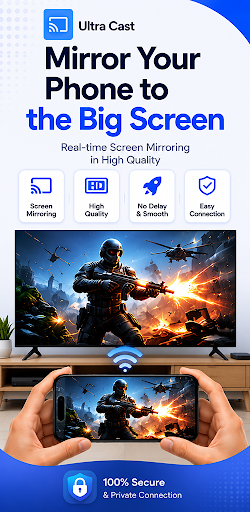
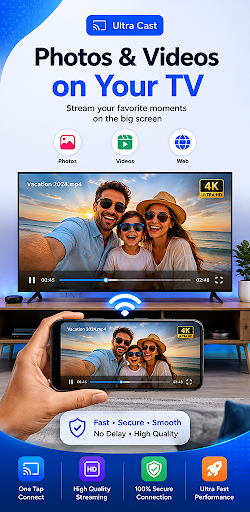
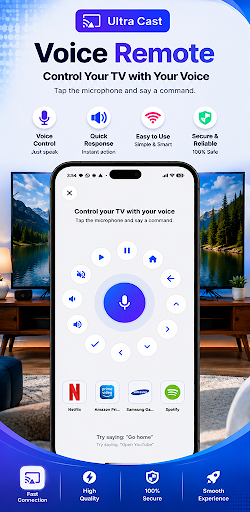
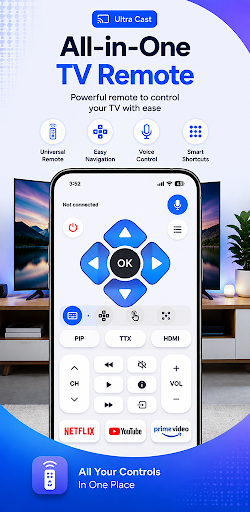
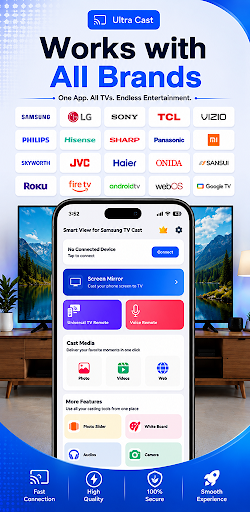
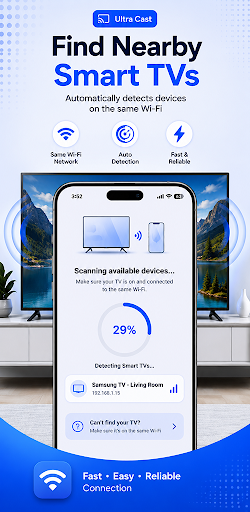
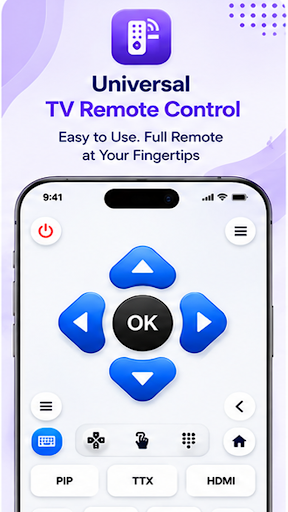
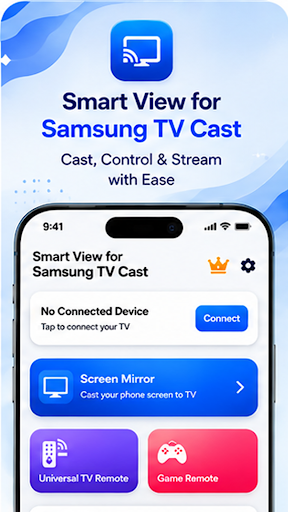
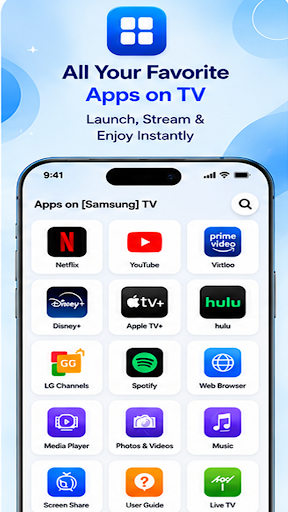
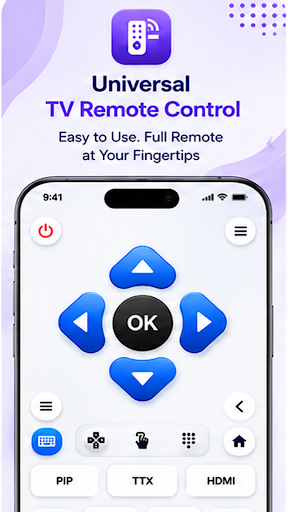
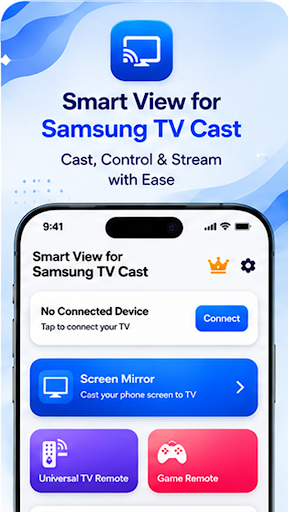
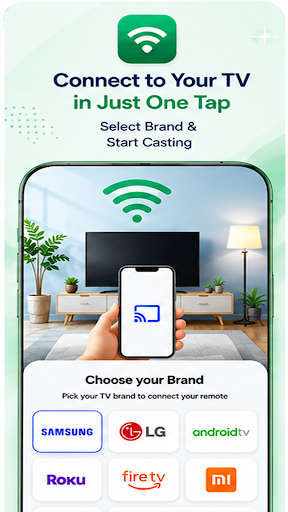
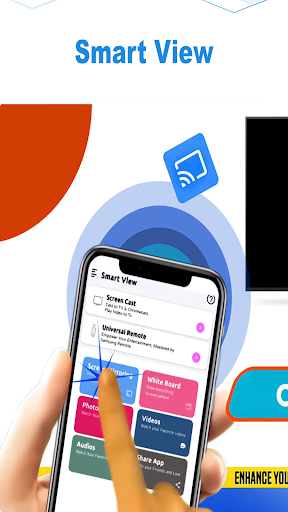
Smart View for Samsung TV Cast is a screen-mirroring and media-casting tool for people who want to show phone content on a larger display. It can share a phone screen, including games, and cast photos, videos and music to compatible smart TVs or TV devices using supported casting options such as Miracast or Chromecast.
Useful for shared viewing
It suits occasional situations when a phone screen is too small: watching a video with others, showing photos, or playing a mobile game on a TV. The app is listed in the Tools category and is made by Smart Remote Apps. Despite its name, it is a third-party casting app, not an official Samsung product.
Compatibility depends on the devices
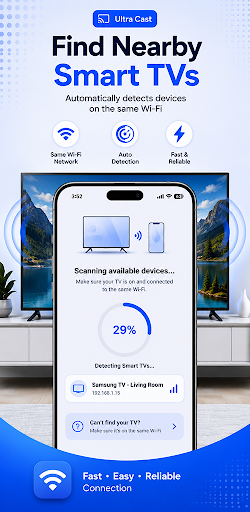
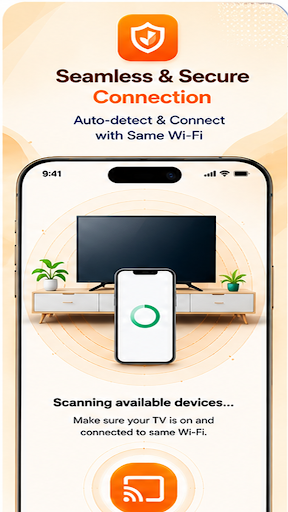
Screen sharing relies on the phone and receiving TV or device supporting a compatible wireless-display or casting method. The app’s listing describes connecting over the same Wi-Fi network, but the exact options available can vary by phone and TV. Check that both devices support the same method before relying on it for a particular setup.
A widely used, mixed-rated option
With more than 5,000,000 installs, the app has reached a large audience. Its rating is 3.13 out of 5 across 38,445 ratings, a more mixed result than its install count might suggest. That makes it a practical one to try if wireless casting is a recurring need, but not an obvious keeper for someone whose devices already have a dependable built-in screen-sharing feature.