Keep an eye on heat and performance
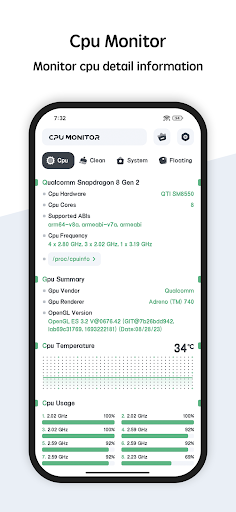
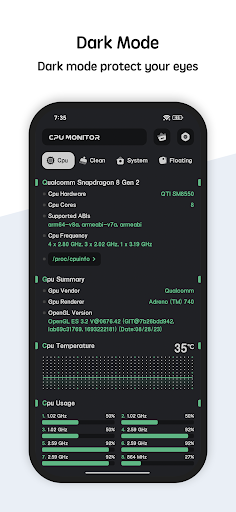
CPU Monitor - temperature shows your phone’s CPU temperature and frequency, with history data to help you see how those readings change over time. It supports multicore CPUs, so it suits people who want a closer look at their device’s processor than the standard settings usually provide.
More than processor readings
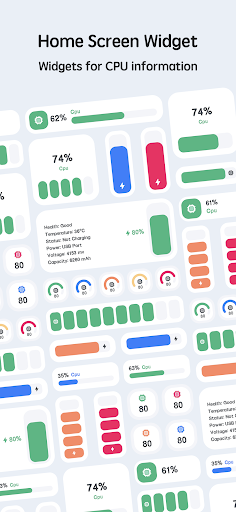
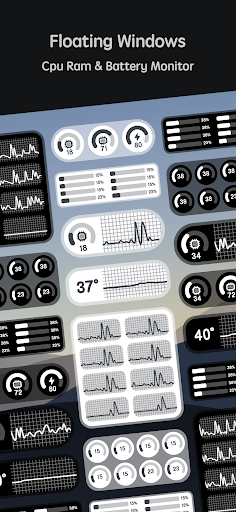
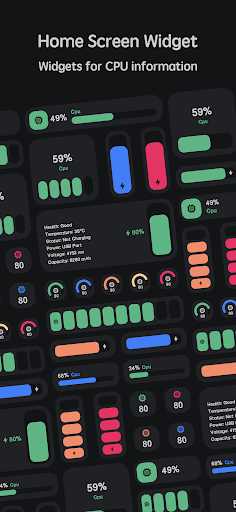
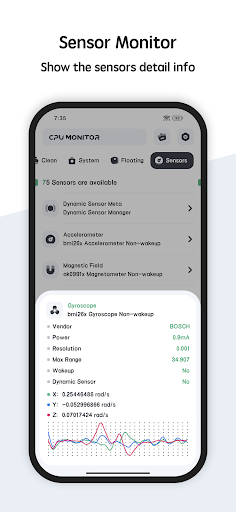
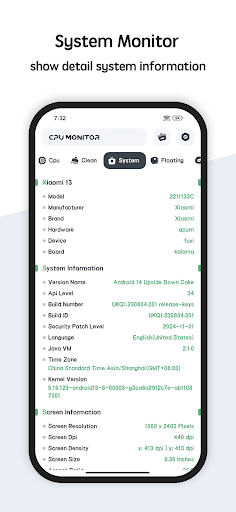
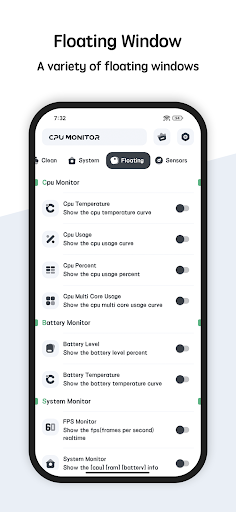
The app also displays RAM and battery information, alongside details about the device’s CPU, system, hardware and screen. A floating window can keep CPU temperature, battery temperature and RAM usage visible in real time while you use other apps. Home-screen widgets provide CPU, battery and RAM information as well.
Useful for occasional checks, too
You don’t need to be diagnosing a problem to find a use for a monitor. Checking temperature during demanding use, or looking at RAM and battery readings when a phone feels sluggish, can give you a clearer picture of what the device is doing. The history view adds context to individual CPU temperature and frequency readings.
A practical tool with a large audience
With more than 5 million installs and a 3.98 rating from about 34,600 reviews, CPU Monitor - temperature has reached a substantial Android audience. It is published by System monitor tools lab - Cpu Ram Battery. The app’s mix of live readings, device details and widgets makes it most relevant to people who expect to check system information repeatedly, rather than those looking for a one-time device report.